

VAULO Mobile App for iPhone and iPad
The VAULO app puts your Spaces, folders and files in your pocket: view, upload, share and look after events – right from your iPhone or iPad.
With the VAULO app, your media is always with you. View files, upload photos and videos straight from the camera, create shared links and handle your assignments as part of an event team – all with your usual VAULO account.
Download
Requirements: An iPhone or iPad running iOS or iPadOS 18 or later and a VAULO account (or a DayPass for events).
The app at a glance
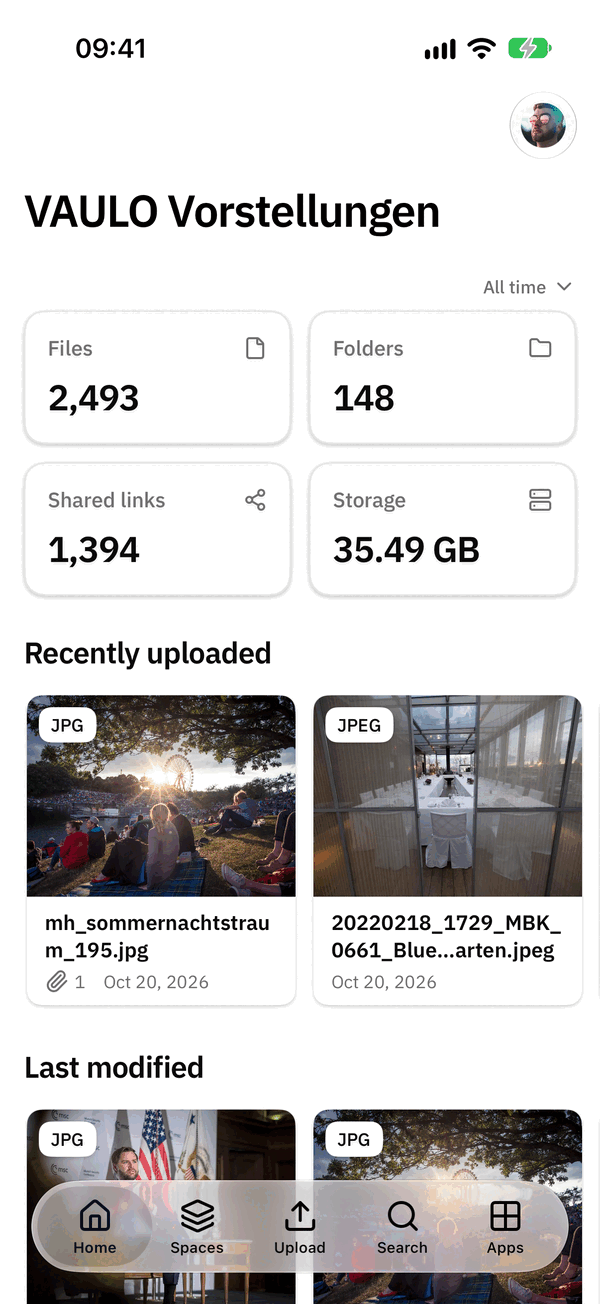
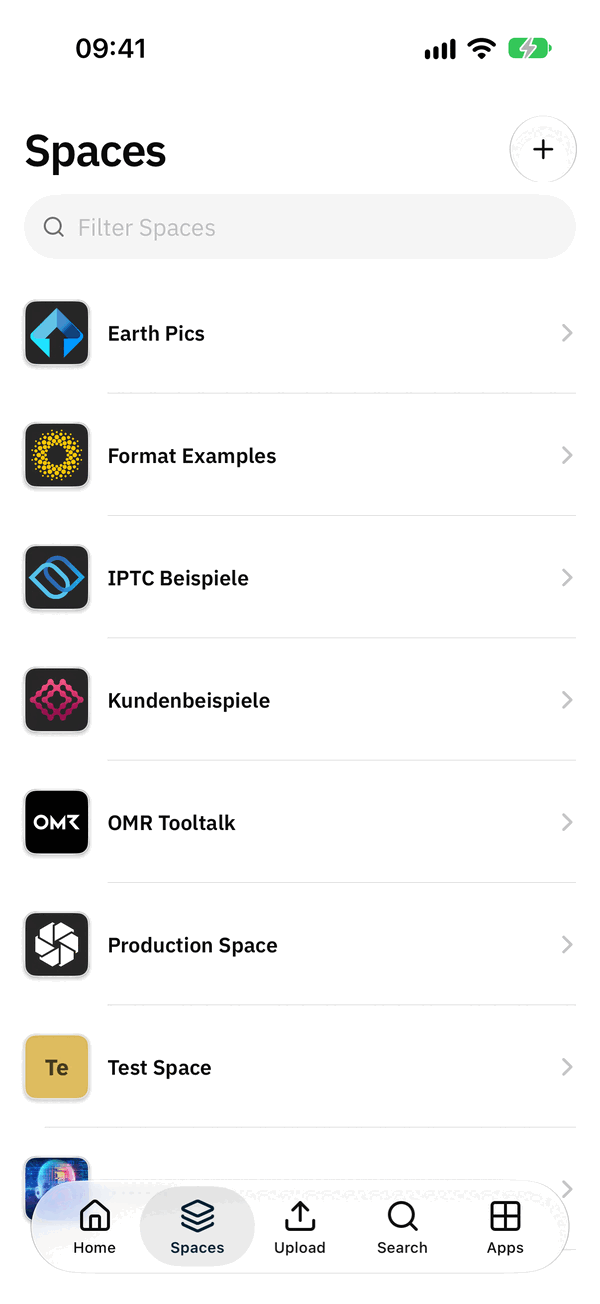
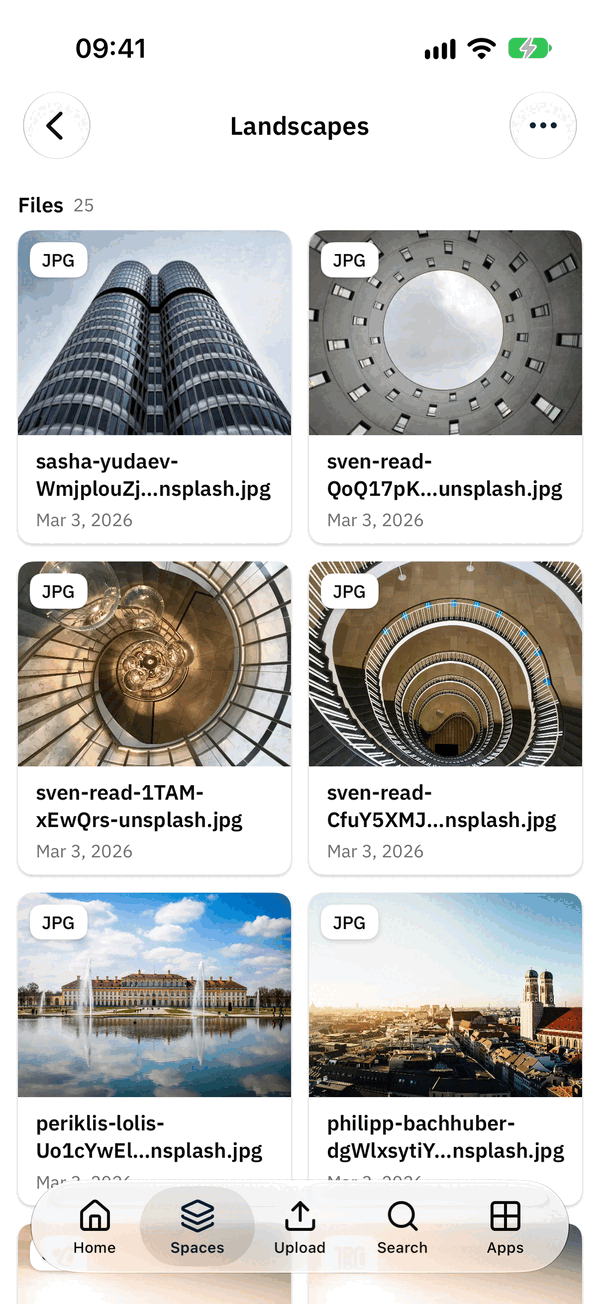
At the bottom of the app you'll find five sections:
| Section | What you do there |
|---|---|
| Home | Your organization's statistics, recently uploaded and modified files, new folders and shared links |
| Spaces | Browse Spaces and folders, view, move, rename and share files |
| Upload | Upload photos, videos and documents to a folder |
| Search | Find files by name, keywords or image content |
| Apps | Filepush, LiveUpload, Events, Scan document and Camera |
To open your Profile, tap your round profile picture at the top right of the Home screen. On iPad, you can also show the sections as a sidebar.
With a DayPass, you only see the Events and Profile sections. Learn more in Events in the app.
Home screen
Your organization's name is shown at the top. Below it are the statistics Files, Folders, Shared links and Storage – for All time, the Last 30 days or the Last 7 days. Further down you'll find:
- Recently uploaded and Last modified – the latest files to swipe through
- New folders
- New shared links and Most viewed shared links – with view counts. Touch and hold a shared link to copy or share it.
To refresh, pull the page down. New uploads from your team also appear automatically without refreshing.
Topics
Installation and sign-in
Install the app, sign in, two-factor authentication, DayPass and choosing an organization.
Spaces and folders
Browse, sort, select, copy, move and download.
File view
View files and edit details, keywords and IPTC data.
Uploading
From your photo library, camera, the Files app or other apps to VAULO.
Search
Find files and filter by type, rating, label and period.
Shared links and Filepush
Create links, send files and open shared links in the app.
Events
Assignments, sessions and polls for your event team.
Profile and settings
Language, app lock, Files app, Shortcuts and signing out.
Good to know
- Internet connection: The app works directly with your VAULO account and needs an internet connection. Without one, it shows "No connection. Check your internet connection." – but you stay signed in.
- Light and dark appearance: The app automatically follows your device's setting.
- Languages: German, English, Spanish and French.
- Same permissions as in the browser: In the app, you see and edit exactly what you're allowed to in the web app.