

Creating and Editing Spaces
Learn how to create and manage Spaces in your Digital Asset Management System. Whether you need to organize content by department, client, location, or topic, this step-by-step guide walks you through the process.
Spaces help you bring structure to your data organization. In combination with individual access rights, you can determine who should have access to each Space. Depending on how you use your VAULO account, you can use a Space for various purposes. Here are a few examples:
Departments
Use a Space for each department of your company
Clients
Use a Space for each client you manage
Locations
Use a Space for different locations of your company
Topics
Use a Space for different topics
To create a Space, click the + in the Spaces area on the left side of the screen.
Editing a Space
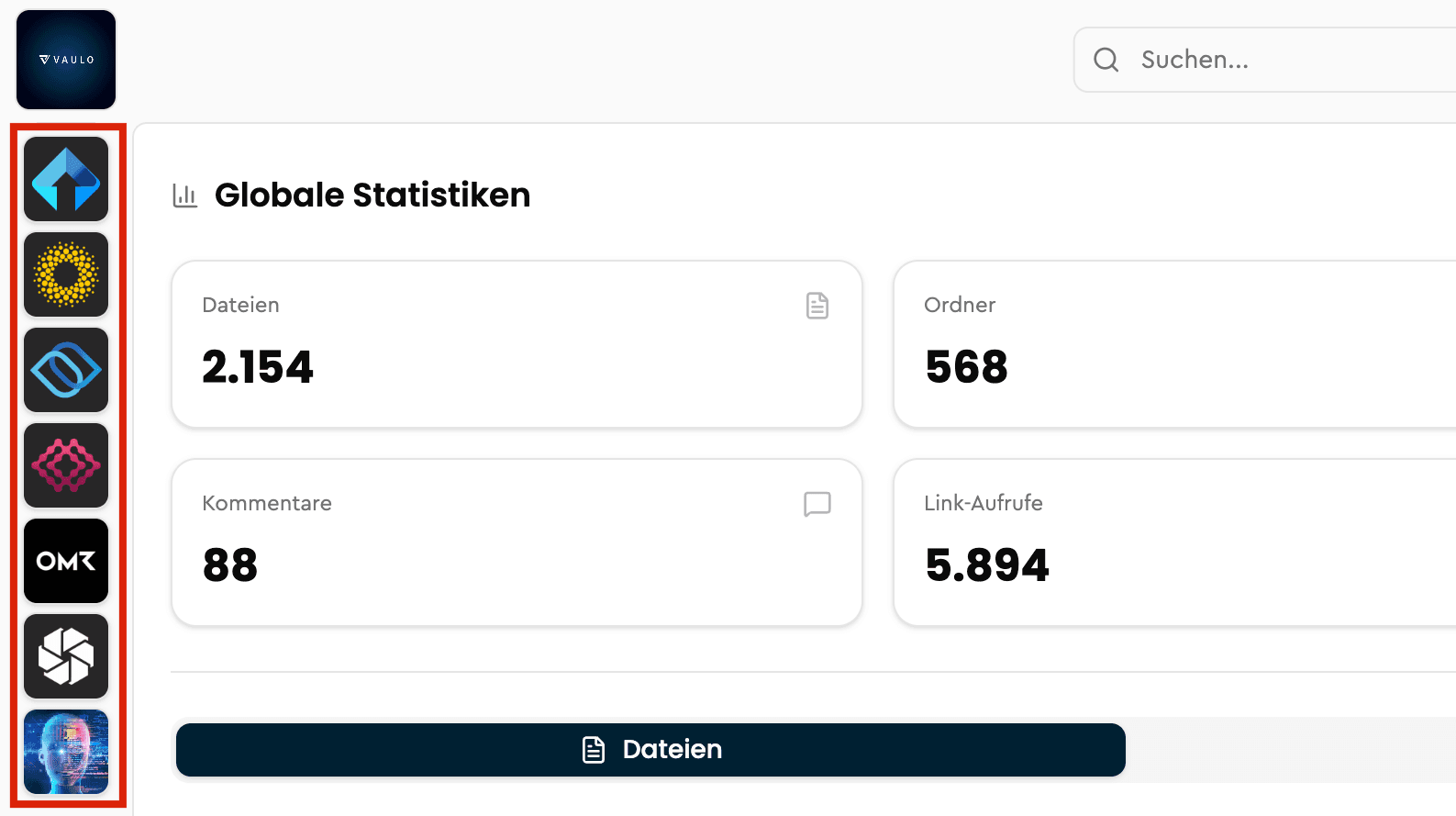
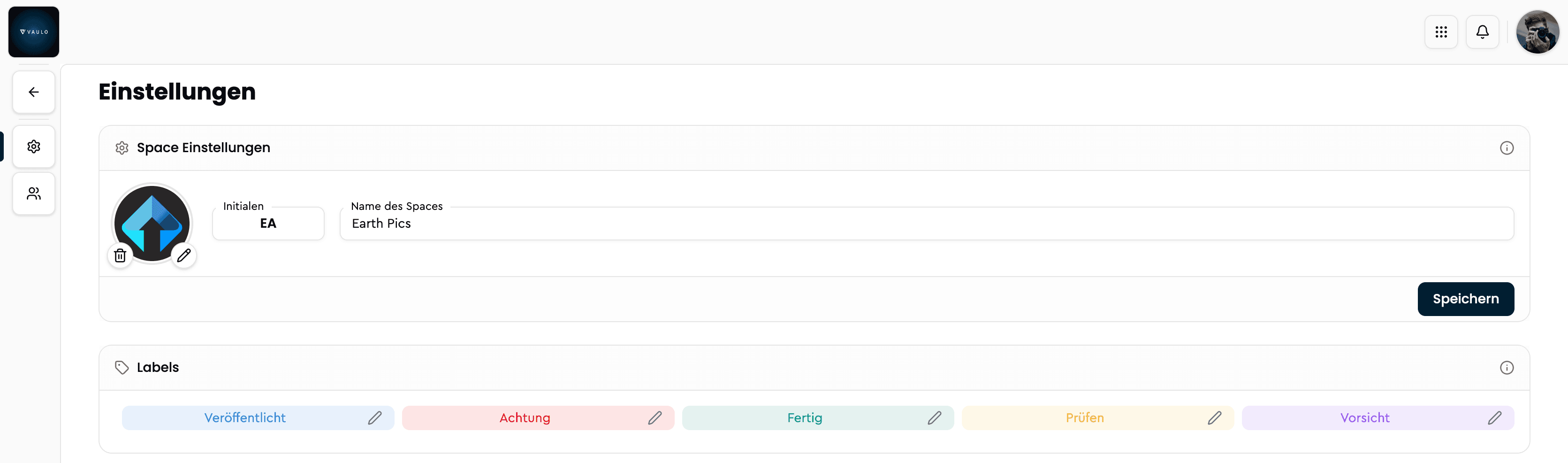
To edit the active Space, right-click on the corresponding Space on the left side of the screen. In the Space settings, you can change the initials, name, and icon or photo for the Space. Deleting a Space including all folders and data contained in it is also possible here.
Organize
Manage Spaces, folders, labels, and keywords – all guides for structuring your media in VAULO.
Creating and Editing Folders
Learn how to create and manage folders in your Digital Asset Management System. Whether you need to organize images, videos, or documents by department, client, or topic, this step-by-step guide walks you through the process.