

Shared Folders and Files
Manage and review all your shared content in your Digital Asset Management System. Whether you need to share images, videos, or documents with team members or external collaborators, this step-by-step guide will walk you through the process of managing shared content in your DAM system.
Have you shared files and folders and want to get an overview of all shares?
Then proceed as follows:
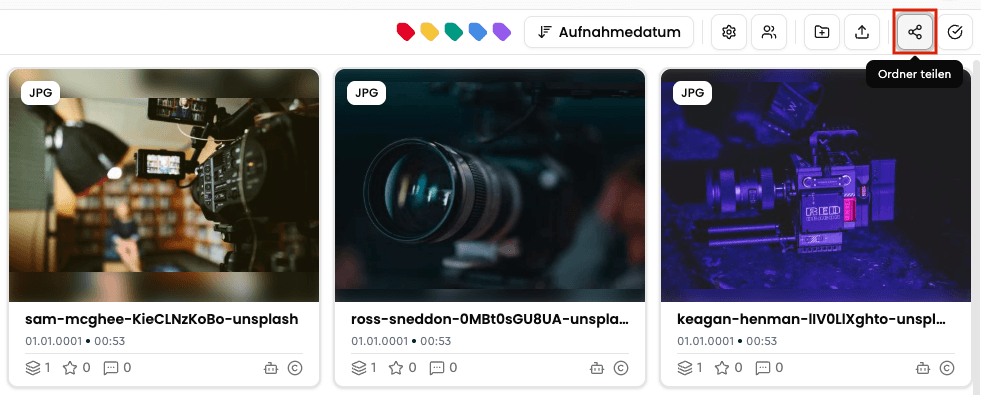
Right-click on the folder whose shares you want to review and click Shared links – or navigate to the desired folder and click the button.
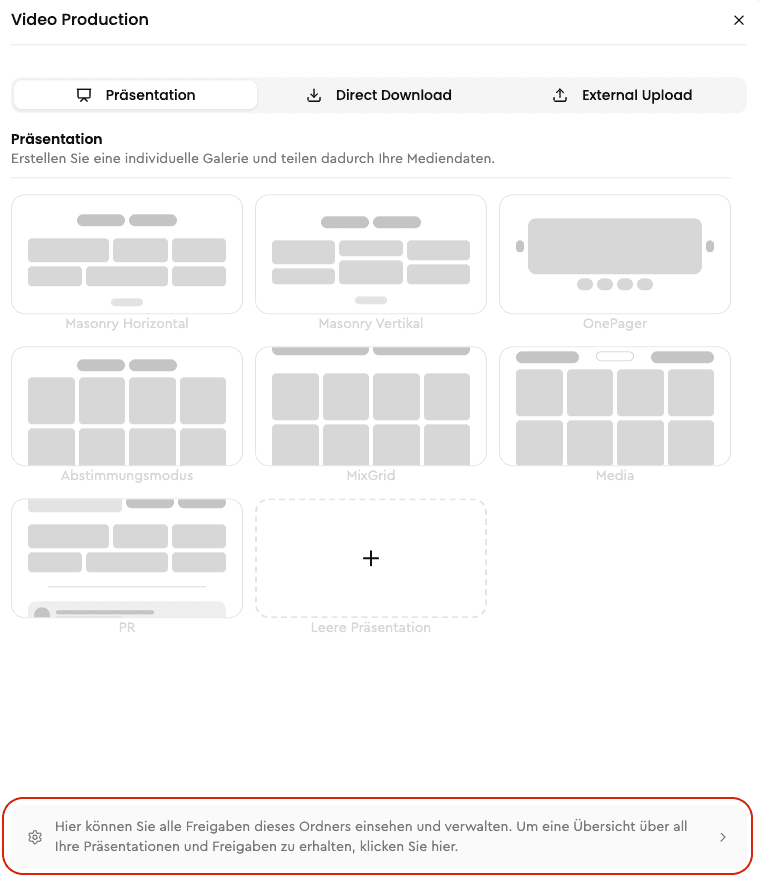
In the dialog that opens, find the option at the bottom, which also lets you view the shared links for this folder.
You will receive a complete overview of all shared files and the folder itself.
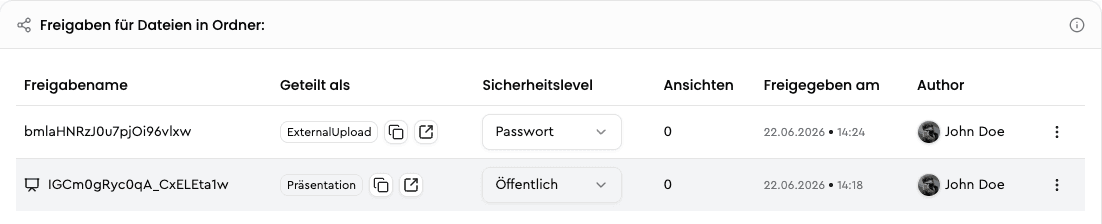
You can now edit or delete the shares.
Download Photos in Social Media Formats
Learn how to download photos directly in the right social media format from VAULO, saving valuable time. This guide shows you step by step how to select the desired file format and social media format in the download dialog, adjust the image crop, and export the file in the correct resolution. Prerequisite: Access to photos in your VAULO Digital Asset Management System.
Presentation: Press Release
Learn how to prepare a presentation in VAULO as a digital press release and then distribute it via FeedPages.