

Address Book
How to create and configure your address book in the VAULO Contacts Add-On.
Create & Configure Address Book
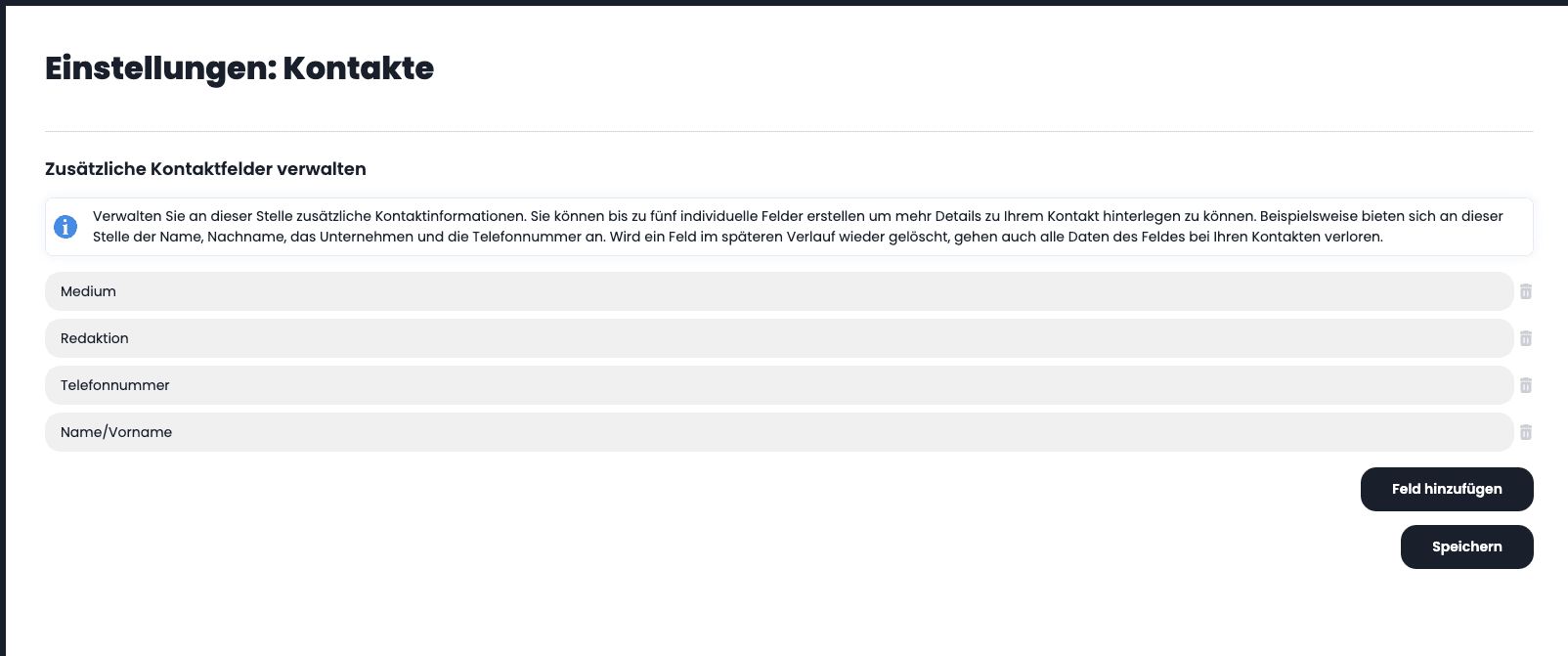
First, click on Add field. In total, you can name up to five individual fields for your address book. Each field creates a new column in your address book. In our example, we created four columns with the following titles: Medium, Editorial team, Phone number, Name/First name. Then click Save and click the Back button in the left sidebar.
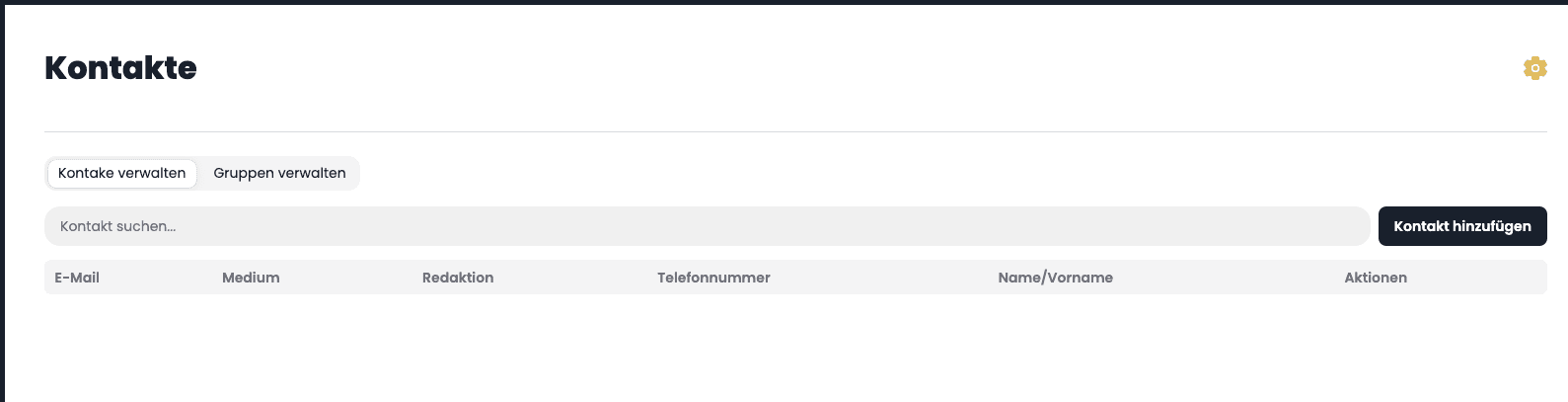
You now see your individually created address book. If you want to change a column name or add or delete another column, click the gear icon in the upper right corner.
Please note that deleting a column will permanently remove all information you have added to your contacts in that column!
Overview
With the VAULO Contacts Add-On, you have full control over your contact lists and distribution groups in VAULO. It serves as the foundation for the VAULO Newsletter and VAULO FTPpush add-ons. Access your contacts and groups directly from both modules and benefit from a seamless, efficient workflow. Reach your target audience faster and more precisely!
Contacts
How to create, manage, and delete contacts in the VAULO Contacts Add-On.