

Share folder as press release
Navigate to the desired folder and share it as a digital press release.
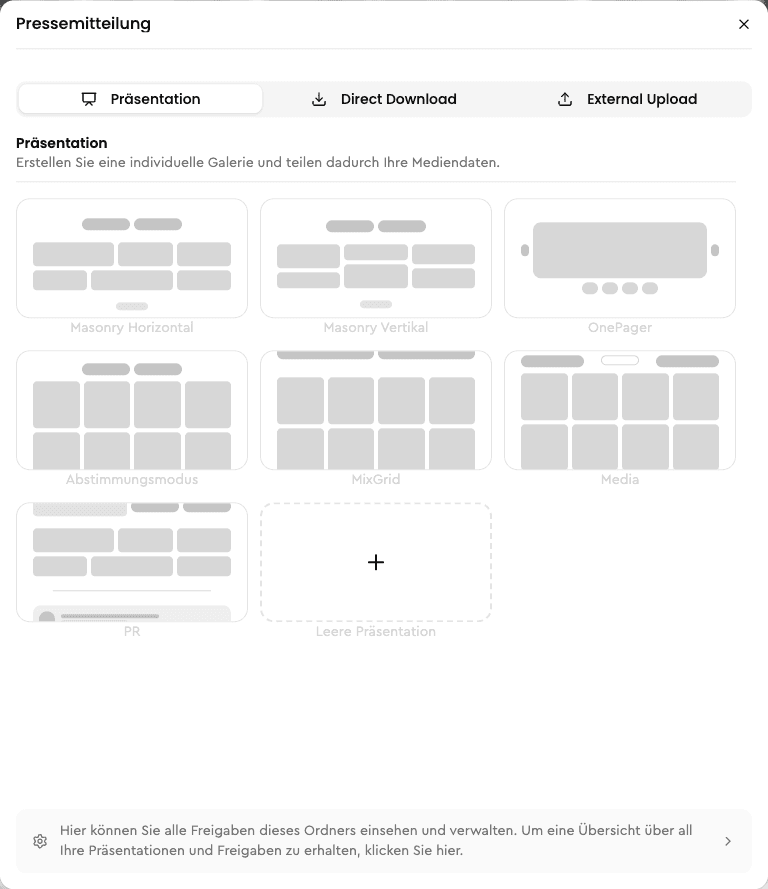
First, navigate to the folder you want to share as a digital press release. This folder can contain photos, videos, PDFs, or Microsoft Office files. Then click on Share folder. You can find this menu item, for example, by right-clicking on the folder. The Share folder dialog will then open. Now click on Create presentation without template and then on Customize presentation.
Overview
With our Feed Page, you can publish your news quickly and easily - with just one click! Create multiple Feed Pages and use them flexibly, for example as an internal news portal for your employees or as a public news page for your company website. Stay connected and inform your target audiences efficiently and clearly.
Select the "Press release" layout
Choose the Press release layout in the presentation module.