

Add New Template
Create templates with an internal name, subject, and variables for your newsletter.
You can store multiple templates in our Newsletter Add-On. To create a template, click Add template. A modal opens where you can enter the internal Name for the template in the first line. In the following line, you can set a Subject for the newsletter. Subject and content can be static, contain variables, or combine both. The following fixed variables are available:
Newsletter Variables
{{ SharedLinkTitle }}– Title of the presentation{{ SharedLinkDescription }}– Description of the presentation{{ SharedLinkUrl }}– Link to the presentation{{ SharedLinkCoverImage }}– URL of the presentation's cover image, empty without a cover image{{ SharedLinkPreviewImage }}– URL of the presentation's own preview image, empty without one{{ SharedLinkCoverUrl }}– URL of the image the presentation shows when shared: preview image, otherwise cover image, otherwise folder image
The three image variables return an address, not the image itself. Put them into an image in the template content:
<img src="{{ SharedLinkCoverImage }}" alt="{{ SharedLinkTitle }}" />The image links stay valid as long as the presentation is reachable. If the cover image changes later, the newsletter shows the new image too.
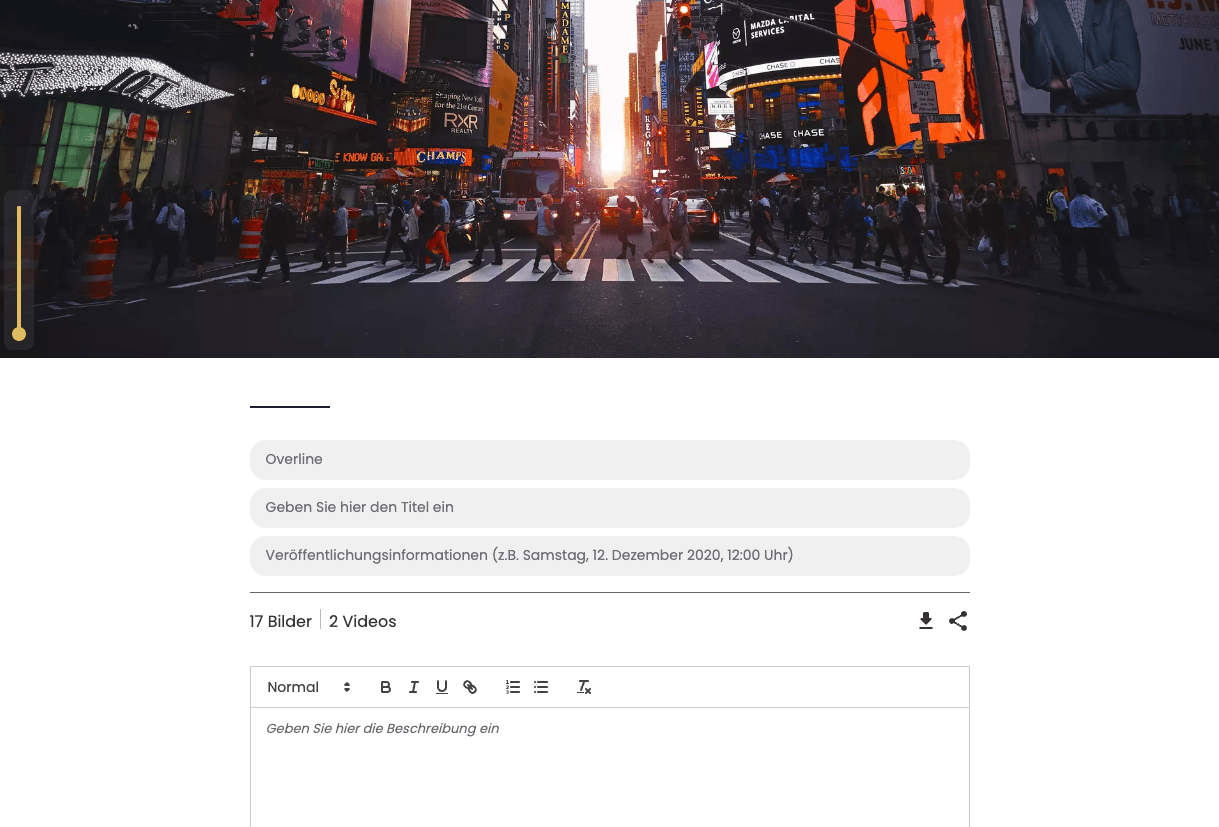
The variables are filled automatically with the content of the presentation you send the newsletter from. You can also assign your own variables to individual blocks in Presentation Studio, see Define Newsletter Variable. If the template uses a variable that stays empty for the selected presentation, the send dialog points this out before sending.
Overview
With our Newsletter Add-On, you also get access to our Contacts Add-On. This combination allows you to send your press release quickly and precisely by newsletter to selected contacts or recipient groups. Make your daily work even easier and reach your target audience with just a few clicks!
Set Up Email Provider
Configure your email provider in VAULO so you can send newsletters.