

Distribute a share via VisitorHub
How to bind presentations and other shares to VisitorHub users and groups.
For guests to see content, a portal and a user account are not enough. The share must also be distributed to specific users and/or groups of that portal.
VisitorHub access level
When sharing (e.g. a presentation from Presentation Studio) you set the access level:
- Public – anyone with the link
- Password-protected – a shared password
- VisitorHub – only signed-in people from the selected portal who appear in the distribution
Distribute dialog, VisitorHub tab
Open Distribute on the share and select the VisitorHub tab:
Choose the VisitorHub portal the share should be bound to.
Expand the Users and/or Groups sections.
Select the recipients. Users can be searched by email and paged.
Confirm the distribution. At least one user or group must be selected.
If a portal or group is still missing, you can open VisitorHub management in a new tab from the dialog and create it there.
Shared content in the portal
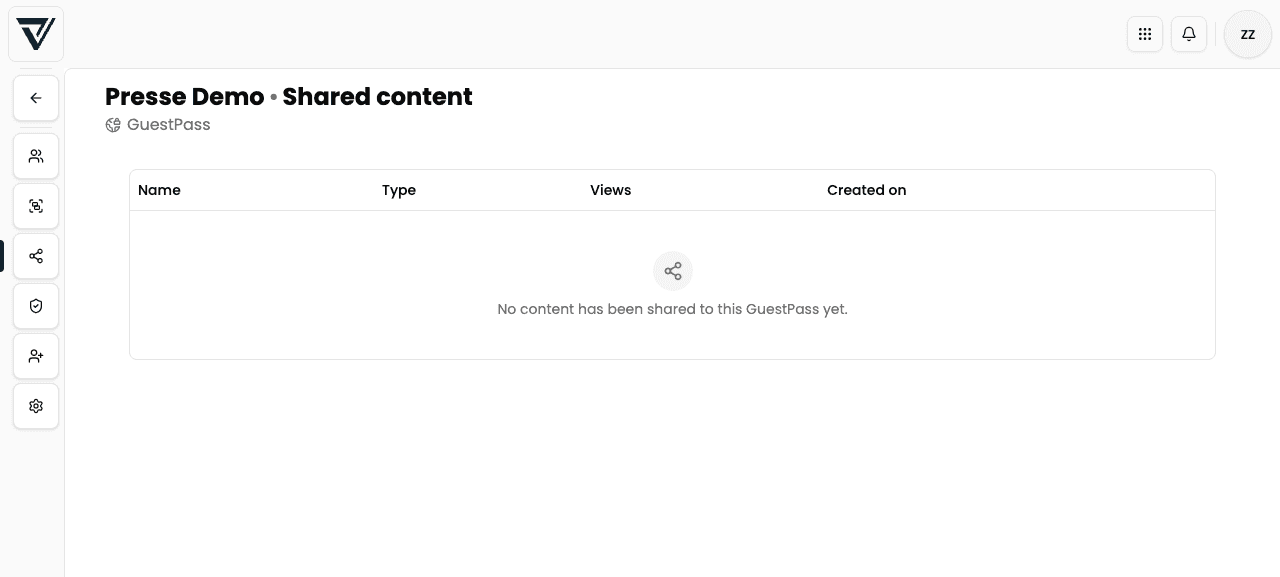
On the portal’s Shared content tab you get an overview of shares currently accessible through this portal – a quick way to see what is attached to it.
Important rules
Once a share is distributed to VisitorHub recipients, you cannot switch the access level back to Public or Password directly. Remove the distribution first.
A signed-in VisitorHub user without a matching distribution sees an empty portal – logged in, but no content. Check users, group membership (including email rules), and the share’s distribution.
Premium and re-sharing
Users with the Premium role (or members of a group with Premium member role) can – when allowed in the presentation’s advanced settings – create their own shares from the released presentation. That is controlled per presentation, not globally in VisitorHub.
Typical press workflow
- Create a “Press Event XY” portal
- Authentication: magic link + optional one-time code
- Registration: manual approval + terms from Legal Hub
- Group “Accredited journalists” with domain rule
@publisher.comor CSV import - Distribute the presentation (media portal) to the group
- Send the link to the desks – sign-in flow: Guest login