

Contacts
How to create, manage, and delete contacts in the VAULO Contacts Add-On.
Create & Manage Contacts
To add a contact, click the Add contact button. A modal will now open, where you will again see your previously created columns. Enter the corresponding contact information into the fields you defined earlier.
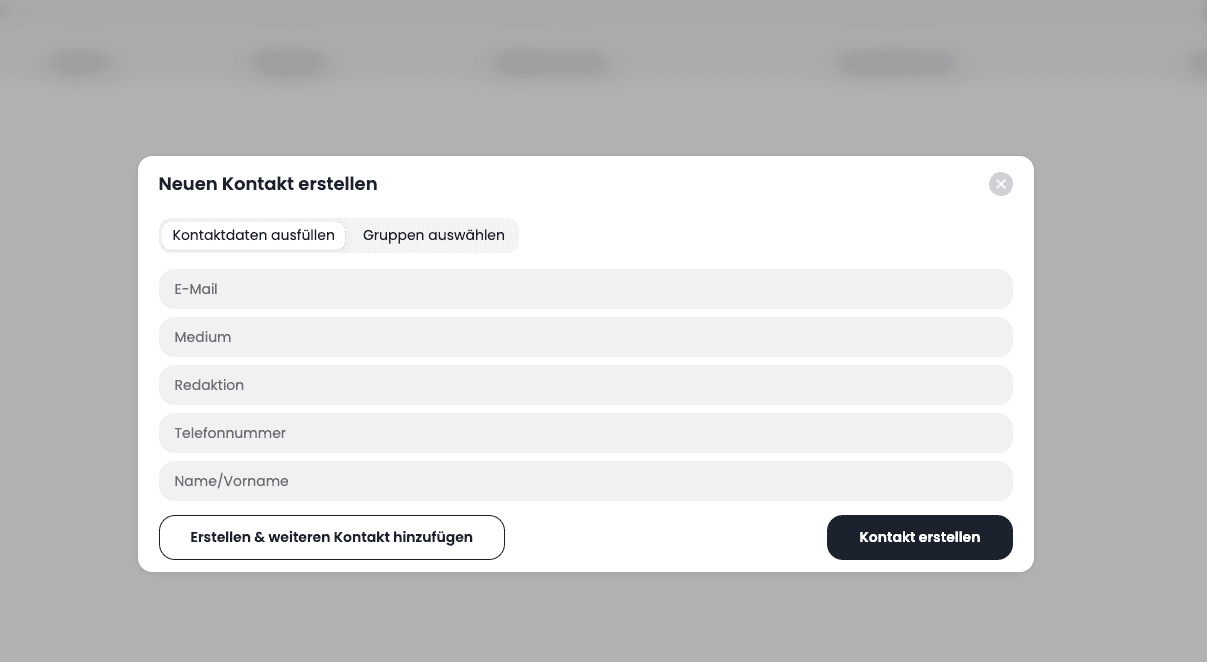
You then have the option to create the contact and immediately add another one. Click the Create & add another contact button to do so. If you only want to add this one contact for now, click the Create contact button. You have now created your first contact. It is now visible in the table.
Delete Contacts
To delete a contact, go to the Manage contacts tab and then click the Pencil in the Actions column next to the contact you want to delete. In the modal that opens, click the Trash icon and then click Delete contact.