

Activate
How to activate the VisionAI add-on for your VAULO organization.
Make sure you have the necessary rights to configure VisionAI. Otherwise, contact the admin of your organization.
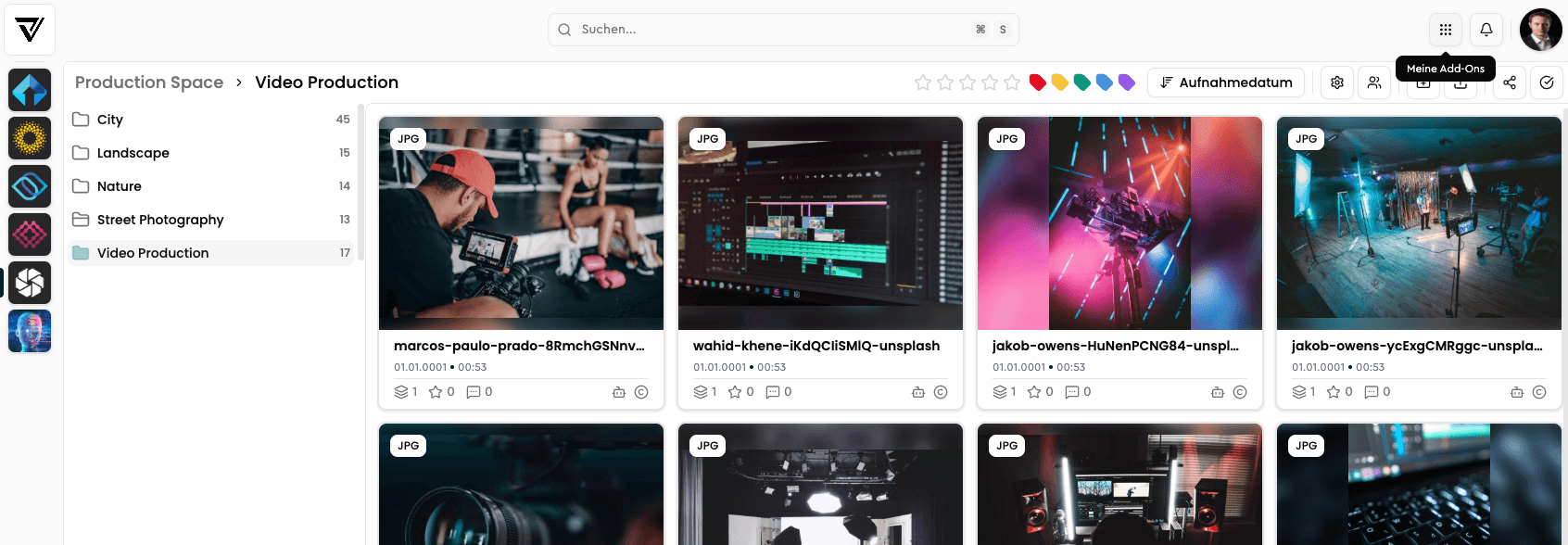
Open My Add-Ons via the waffle menu in the top toolbar.
Click on Add-Ons to get an overview of all available add-ons.
Click Manage next to VisionAI to activate the add-on.
Follow the instructions.
Using VisionAI is a paid feature. Costs are billed monthly. An overview of the number of analyzed files can be found in your dashboard. If you are interested in a flat rate, please contact our Customer Success team: customer-success@vaulo.com
Important GDPR Information
Please note that when using VisionAI, the processed files are transferred to servers outside of Germany. Processing takes place exclusively within the European Union and is therefore fully subject to the General Data Protection Regulation (GDPR).
Your data is never transferred to third countries outside the EU or used for training purposes. If you have questions about data processing, we are happy to assist.
Overview
This article explains how to activate and configure VisionAI in VAULO to automatically add descriptions, keywords, and headlines to your files. Learn how to create a VisionAI workflow, apply it to individual files or automate it for uploads, and view the results in the detail view. Prerequisite: An active VAULO account with the necessary admin rights and an active VisionAI add-on.
Create Workflow
How to create a new VisionAI workflow and optionally automate it.