

Create a VisitorHub portal
How to create a new login portal for external viewers.
Each VisitorHub is its own login portal. It often makes sense to have one portal per audience – for example per customer, partner, press event, or agency.
Create a new portal
Open the VisitorHub overview.
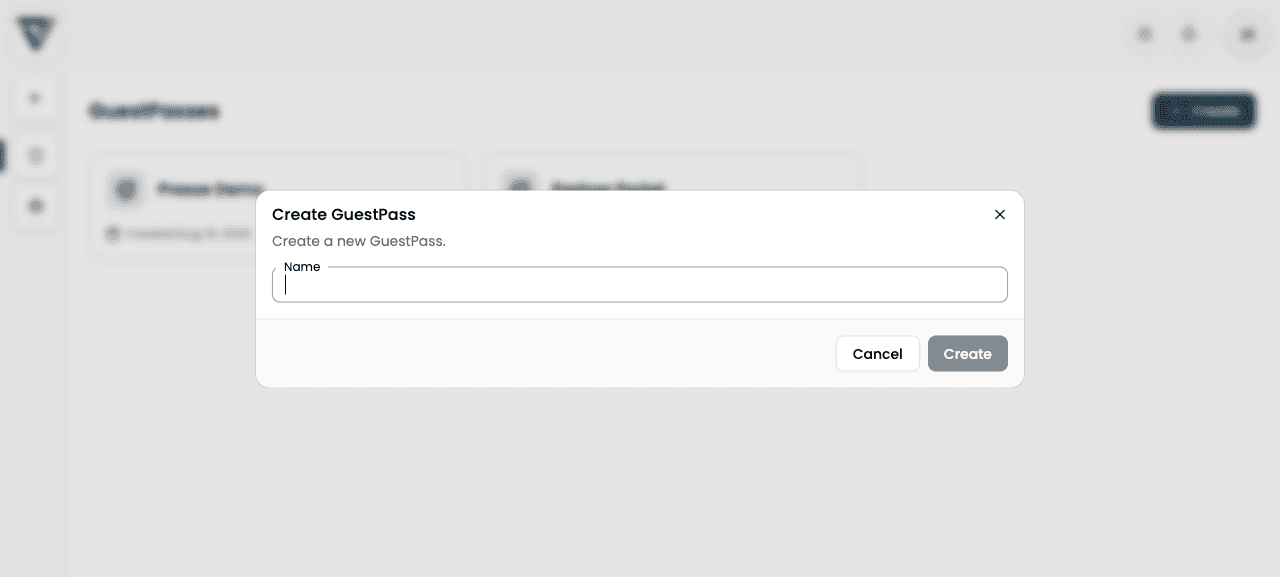
Click + Create in the top right.
In the Create VisitorHub dialog, enter only the portal name – e.g. “Press Summer 2026” or the partner’s company name.
Confirm with Create. The portal appears as a tile and you land in the detail view.
What to do next
After creation the portal is still empty. Next steps:
- Authentication – which sign-in methods apply
- Settings – registration mode and copy
- Users and optional Groups
- Distribute shares – bind content to recipients
The name is only visible to you and your team (admin UI in VAULO). Guests do not necessarily see it as a heading – control the visible texts under Settings → Sign-in screen texts.