Opening
How to open the Presentation Studio from selected files or a folder.
Select the files or folder you want to share.
Click the Share button.
The sharing dialog will open. Select the Presentation tab.
The templates your organization offers are displayed. Click one of them — or click Blank presentation (+) to start without a template. Which templates appear here, and in which order, is set under Templates.
The studio opens in Simple mode: texts, the cover and the content options of the blocks are editable, the structure of the template stays as it is. How to switch to Advanced mode is described under Blocks & Structure.
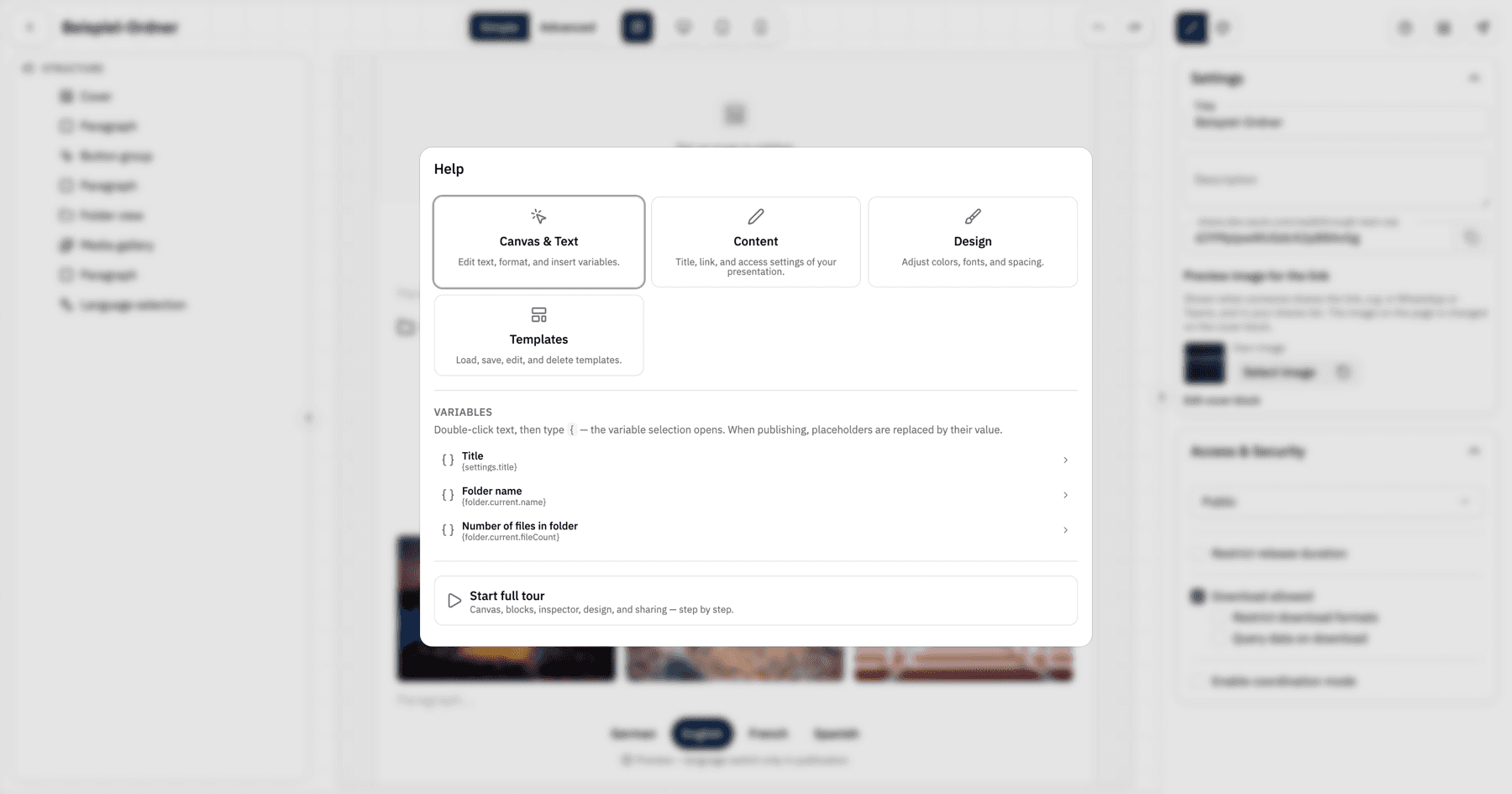
On the first opening, a short five-step tour starts automatically. Use Next to move from step to step. Via the Help button in the top right you can restart it at any time and open explanations for Canvas & Text, Content, Design and Templates; the Structure & Blocks tile appears in Advanced mode.