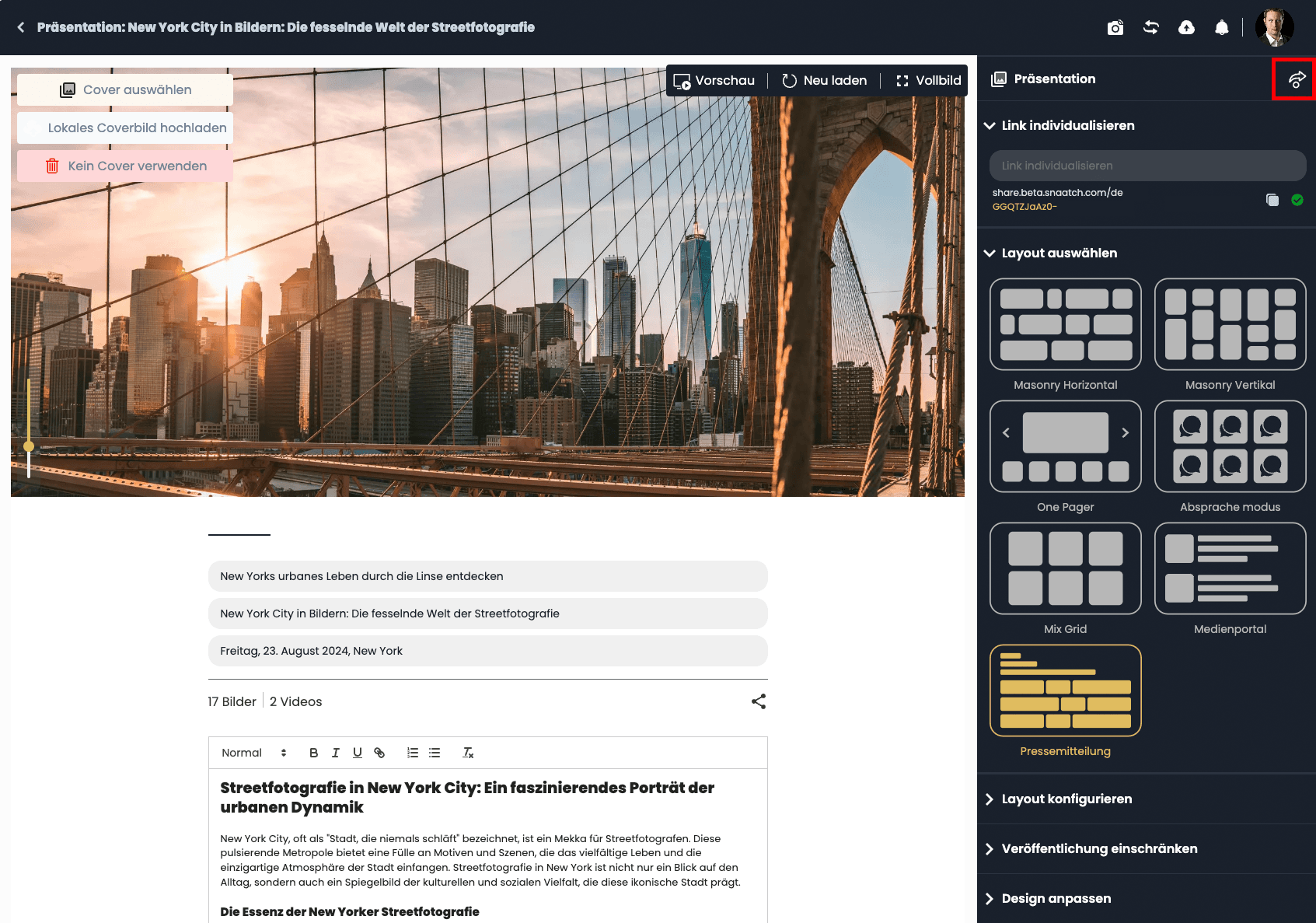
Fill in and publish the press release
Add the content of your press release and distribute it to your contacts or Feed Pages.
You can now choose a Header image for the press release. If the position does not fit, you can use the Slider (in the lower left area of the header image) to adjust the horizontal position of the image. You can then fill in your press release with the desired information. This includes an overline, a title, publication information, and in the lower area of the press release one or more contact persons in your company. The sorting of media data by file type is handled automatically by our system. Then simply copy the link to the press release and send it to the desired contacts, or publish the press release via one of your Feed Pages. To do this, press the Distribute arrow in the upper right area.