

Select Feed Page
Select the Feed Pages on which the press release should be published.
A modal will now open showing your previously created Feed Pages.
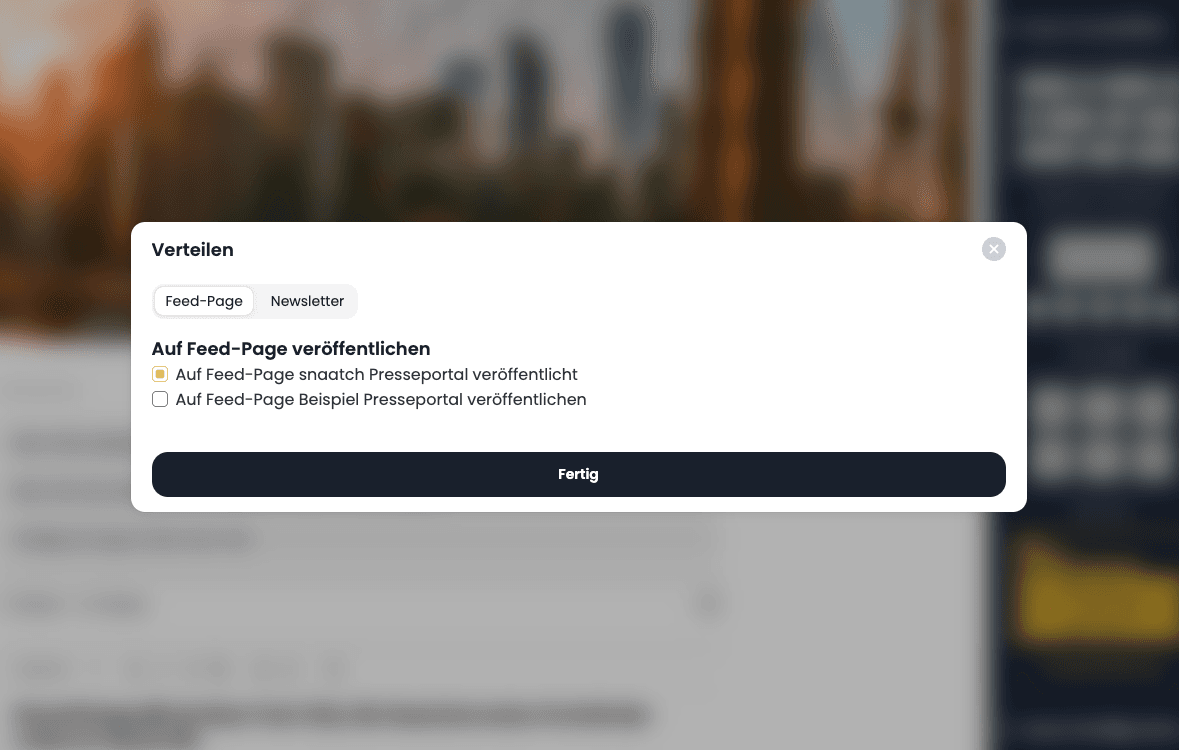
You can now select one or more Feed Pages on which the press release should be published. After pressing the Done button, the press release is immediately visible on the selected Feed Page.
Fill in and publish the press release
Add the content of your press release and distribute it to your contacts or Feed Pages.
Overview
Publish selected images through a public feed URL: external systems receive a JSON list of your assets and fetch the images through a URL scheme you define – paths, query parameters and the JSON format are yours to decide.